AI Receptionist for Small Business in 2026
Learn what an AI receptionist can do, how to set one up, and where it saves time for small teams with front-desk automation.
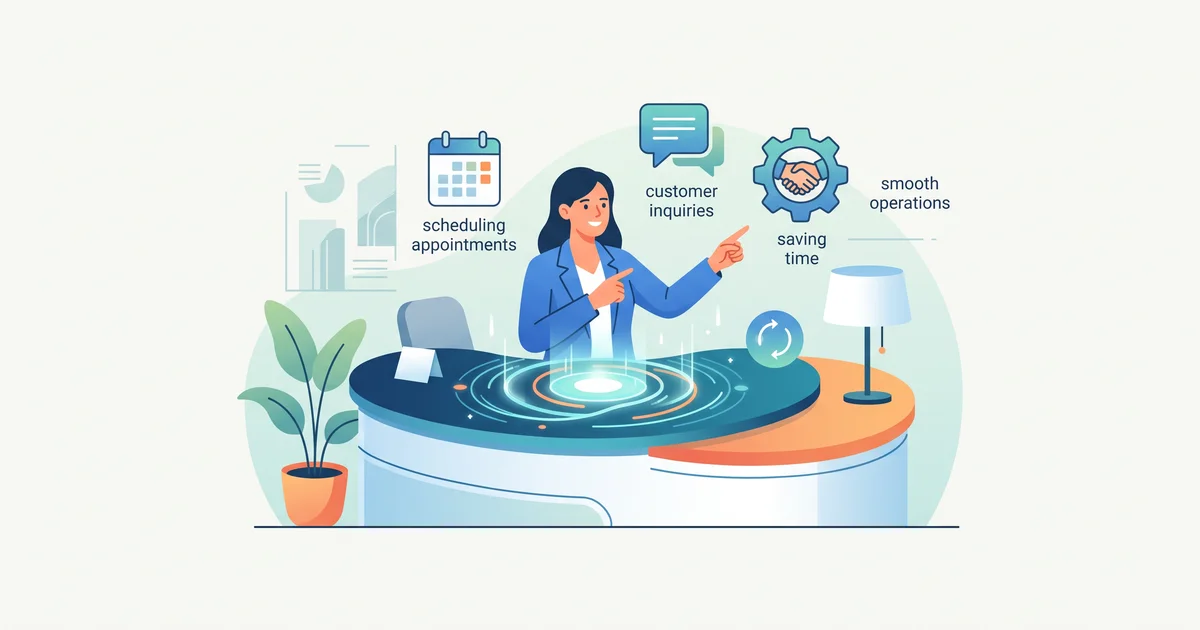
An AI receptionist lets small businesses handle calls, bookings, and incoming leads, without putting pressure on a small team or risking missed opportunities. By connecting the AI to your CRM and calendar, you get more consistent responses and more time for your core work. Here’s what to know if you’re rolling it out in 2026.
What is an AI receptionist, what’s actually automated?
An AI receptionist is front-desk software that picks up calls, answers routine questions (like hours or pricing), gathers new inquiry details, books or changes appointments, and passes anything complex to a human instead of guessing. Unlike old phone menus, these systems use natural language, are available outside office hours, and route info directly into your business tools. This means fewer clicks and less duplication for your staff. For detailed scenarios and set-up logic, see SIÁN Agency’s AI Receptionist guide.
What bottlenecks does it solve for small businesses?
Here’s where teams feel the pain:
- Calls missed during busy times or after hours
- Repeating standard info and FAQs
- Tedious booking and rescheduling
- Slow follow-up on leads (cold leads mean lost sales)
- Notes scattered across platforms
- Frequent interruptions pulling staff from important work
Bringing in AI doesn’t replace human oversight, but it cuts the repetitive tasks and lets your team work on sales, complex service, or relationship-building instead.
Example: A typical AI receptionist day (invented but realistic)
An HVAC company gets 18 calls daily. Seven are about hours or service area, five ask about bookings, three are reschedules, and three are marked urgent. The AI answers routine questions and processes new bookings, captures info and urgency for the rest, and hands urgent calls to humans. At the end of the day, the owner sees one summary instead of dozens of disruptions. For industry pain points and ROI estimates, see HelloSetter’s comparison of AI and live answering services.
How do you set up an AI receptionist for your front desk?
- List your typical call types: New inquiries, bookings, follow-ups, complaints, suppliers, wrong numbers. Pick the most repetitive to automate first.
- Define boundaries: Decide what the AI can say, book, or answer. Set firm rules to avoid double-bookings or bad info.
- Connect your tools: Integrate the AI with your calendar, CRM, and communications platforms. SIÁN Agency’s guide to n8n automation covers multi-tool setups.
- Create a human handoff: Set up transfer, queuing, or call-back options for edge cases.
- Test with scenarios: Use invented calls to check scripts, booking accuracy, and hand-offs before going live.
- Iterate based on real usage: Review call summaries and handoff misses, and tweak your setup.
For checklist-style setup steps and vendor comparison tables, see HelloSetter’s 2026 guide and advice on calibration from Ampliflow’s call flow testing checklist.
AI receptionist or live answering service, does it replace or team up?
AI tools excel at handling volume, FAQs, and booking, tasks that humans get bogged down doing. Live staff bring empathy, judgment, and adaptability. The strongest approach usually blends the two: automate the basics, and make it easy for the AI to escalate when a problem needs a person. When comparing, check both features (booking, handoff path, transcripts) and what happens when things go off script, not just price per call or minute. For feature-by-feature breakdowns, visit HelloSetter’s AI vs. live service page.
What should you look for in an AI receptionist system?
Expect direct calendar and CRM integration, easy access to call logs and transcripts, customizable scripts, a simple transfer to humans when needed, multi-channel support (call, chat, text), and vendor help with workflow setup. Look for a vendor who integrates with your current systems, not one that forces a rebuild. For advice on vendor fit, see SIÁN Agency’s blog or SmallBizStrategy’s practical guide.
FAQ: Practical deployment questions
How does an AI receptionist work with my CRM? It logs notes, tags, and outcomes to keep call history complete and viewable.
Can it handle bookings and reschedules? Yes, as long as your calendar or scheduling platform is connected and you set clear booking windows.
What if the AI doesn’t know an answer? It’s designed to route those cases to a person or log for call-back, never winging it.
Is it just phone? Most systems handle multiple channels, calls, chat, SMS and sometimes email.
How do I start? Automate the most repetitive call types first. Set limits, connect key workflows, and expand from there.
To go deeper, see SIÁN Agency’s focused AI receptionist guide, or book a call with SIÁN Agency for tailored system mapping and integration support.
About SIÁN Team
SIÁN Agency builds automated data pipelines for small businesses — from web scraping to AI processing to workflow integration. We write about what we know from building these systems every day.
More Articles
Agentic AI Security Framework for SMEs
A practical agentic AI security framework for SMEs: risks, controls, and pipeline-ready steps for safer AI automation.
How AI Receptionists Boost Customer Experience for SMEs
See practical AI receptionist use cases, best practices, and integration tips SMEs can use to improve response speed and service.
n8n Automation: A Practical Beginner Guide
Learn what n8n automation is, why teams choose it, and how to start with a simple AI-ready workflow and deployment options.