n8n Automation: A Practical Beginner Guide
Learn what n8n automation is, why teams choose it, and how to start with a simple AI-ready workflow and deployment options.
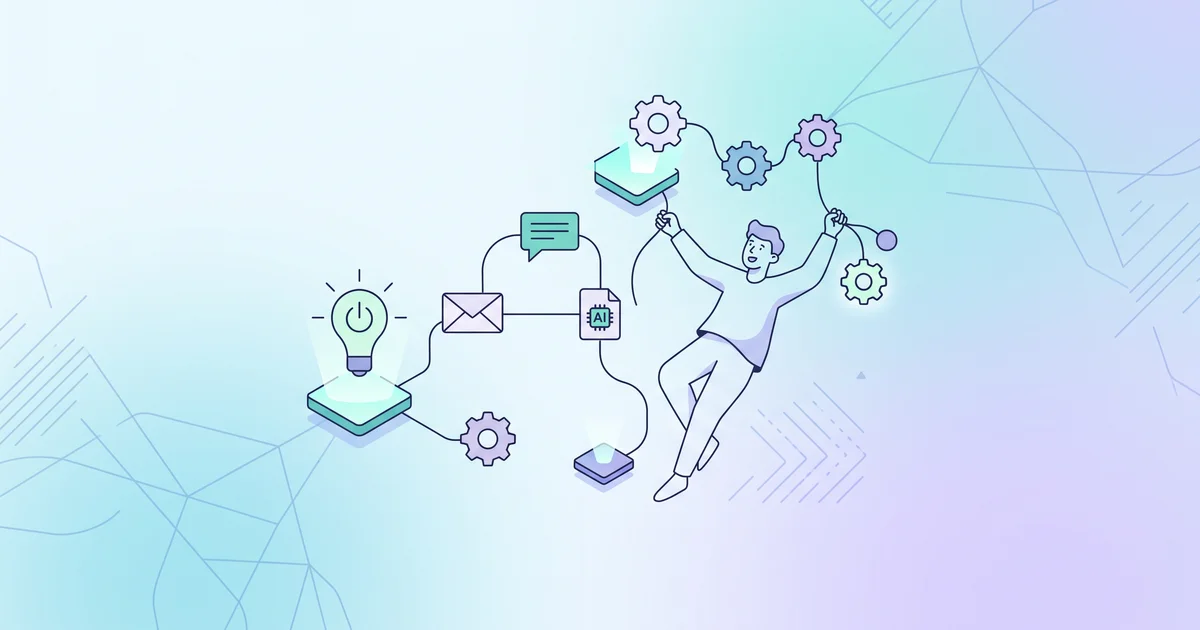
n8n automation allows technical teams to connect apps, data, and AI into workflows they can inspect and modify faster than with manual routines. This guide covers what n8n is, why technical buyers choose it, and how to build your first automation in a way that keeps you in control.
What is n8n automation?
n8n is a workflow automation platform that combines a visual editor with code options, so you get the transparency of drag-and-drop and the flexibility to add custom logic when needed. It handles AI tasks, offers self-hosting or cloud, and is built for teams who want to keep visibility into their automations. The n8n product page presents it as an agent- and AI-native platform with options from hosted to on-prem deployment.
Typical n8n workflows include triggers (like a scheduled time, incoming webhook, or user action), a series of steps (API requests, data transforms), and final actions (saving, sending, or requesting approval), all mapped visually.
Why do teams pick n8n instead of other automation tools?
Teams that choose n8n often want more control and flexibility: you can build longer, multi-step workflows, add custom code, and run everything on your own infrastructure if you prefer. n8n also includes native AI workflow components and is licensed under a fair-code open-source model, which matters for businesses with compliance, data protection, or deployment concerns.
When comparing automation platforms, SIÁN Agency’s n8n vs Make vs Zapier comparison lays out why n8n is usually the better fit for custom, AI-rich, or self-hosted setups, whereas tools like Zapier focus on short, SaaS-to-SaaS automations.
Which n8n features matter most for beginners?
If you’re new to n8n, start with these key features:
- Visual workflow builder for laying out steps
- Integrations with many apps, plus the HTTP node for connecting any API
- Data transformation nodes to clean and reshape information
- Error handling and run history so you can debug problems
- Native AI and approval steps for workflows involving model calls or reviews
- Cloud deployment for simplicity, or self-hosting if you need more control
You can follow the n8n docs quick start for a hands-on example, building a simple workflow that fetches weather data on a schedule and saves it to a table. This teaches the basics without requiring a large project upfront.
How do you build your first workflow in n8n?
Your first automation should be straightforward, useful, and easy to test. A common approach is: schedule a workflow, fetch data from an API, transform it, and push the result to a target system.
Invented example: starter workflow
This invented example is just for learning:
- Schedule trigger: every weekday at 8:00 AM
- Fetch: pull new leads from an external API
- Clean: keep only the values your team cares about
- Store: drop the data in a spreadsheet or CRM
- Notify: send a Slack alert if a field needs review
This pattern is flexible and works for sales, support, or simple reporting. The value is turning a manual check into a repeatable workflow you can edit or extend as your needs change.
Can n8n handle AI agents and approvals?
Yes, and it’s designed for teams that want oversight and control. n8n can add AI steps right into any workflow, such as triggering a model call or letting an AI agent assemble a draft, but you still set the boundaries and approvals if needed. This structure is safer than letting models act alone, especially when you need audit trails or rules. n8n’s enterprise automation overview explains how AI steps, approval gates, and deployment options play together in a technical team’s workflow.
If you want a direct introduction to where AI agents fit and where you might want deterministic steps instead, SIÁN Agency’s AI Agent: What It Is and How SMEs Use It gives useful context and examples.
What should you compare before adopting n8n?
Before committing to any automation tool, check these points:
- Can you choose between self-hosted and cloud?
- How easy is it to inspect workflow steps and debug failures?
- Does it connect to the APIs and apps you use?
- Who on your team can build and approve automations?
- Is adding AI or custom logic clean and understandable?
- Who handles maintenance and credentials if you self-host?
The strongest argument for n8n is its blend of transparency, AI readiness, and deployment choice. If all you need is lightweight SaaS automation, a simpler tool is faster. If you need repeatable, longer workflows or want to mix code and AI with full visibility, n8n is a better fit. See SIÁN’s pricing and platform comparison for more detail.
About SIÁN Team
SIÁN Agency builds automated data pipelines for small businesses — from web scraping to AI processing to workflow integration. We write about what we know from building these systems every day.
More Articles
AI Agent: What It Is and How SMEs Use It
Learn what an AI agent is, how it works, and where SMEs can use it for automation, workflows, and practical business tasks.
Where Real-Estate Agencies Leak Time and Money (2026 Data)
What the research says about lost leads, slow replies and manual busywork in property agencies — and the five gaps worth closing first.
Data Pipeline for Small Business: The 2026 SME Guide
A practical 2026 data pipeline guide for small business — the 4 layers, real costs (€150–€800/mo), and the 380% first-year ROI math. No data engineer needed.